📲 PERKESO Mobile App – Check Your Contribution Anytime, Anywhere!
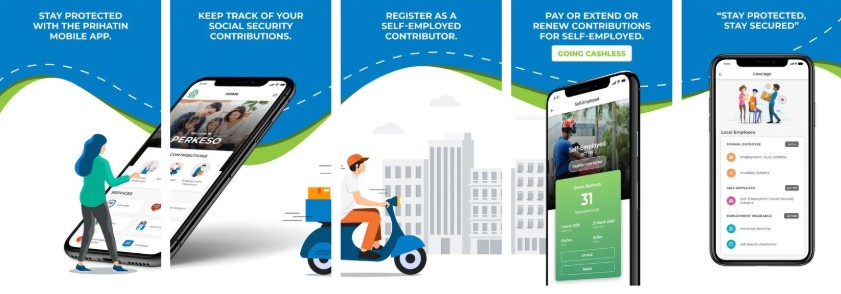
Did you know that you can check your PERKESO (SOCSO) contribution records using the official PERKESO Mobile App?
This mobile application allows employees to easily view their contribution history, insurance coverage status, and access PERKESO services directly from their mobile devices.
What Can You Do with the PERKESO Mobile App?
👉🏼 Check your PERKESO contribution records
👉🏼 View your insurance coverage status
👉🏼 Access PERKESO services and information
👉🏼 Update and verify your personal details (where applicable)
Below are the step-by-step instructions to download the Mobile App and check your contribution.
How to Download the PERKESO Mobile App (Apple iOS) & (Android):
1. Open the App / Google Play Store
2. Search for “PERKESO”
3. Select the official app with the PRIHATIN PERKESO logo
4. Tap Download / Get / Install
5. Wait for the installation to complete
How to Log In (First-Time Users)?
1. Open the PERKESO Mobile App
2. Select Formal Employee
3. Click Create an account
4. Fill in your required details and click the submit button
5. Follow the on-screen verification steps (OTP may be required)
How to Check Your PERKESO Contribution?
1. Select Formal Employee
2. Select Login and fill in your NRIC and Password
3. Select Formal Employee again
4. Review the contribution month, amount, and you may also download the statement
You may also use the Mobile App to check other available information.
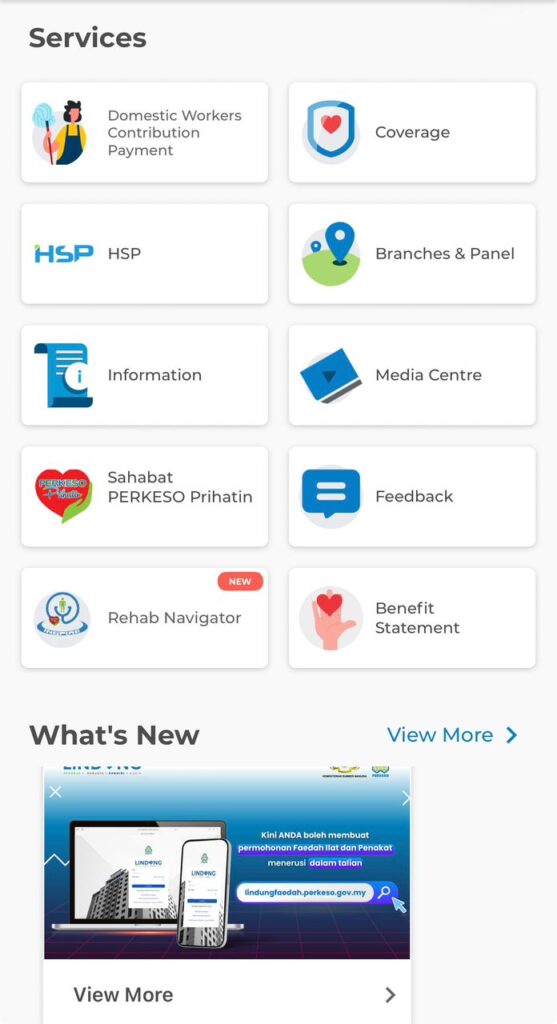
Let’s make full use of this digital service to stay informed about your PERKESO protection and contributions.